Ubiquiti UniFi Dream Machine Pro (UDM-Pro) About
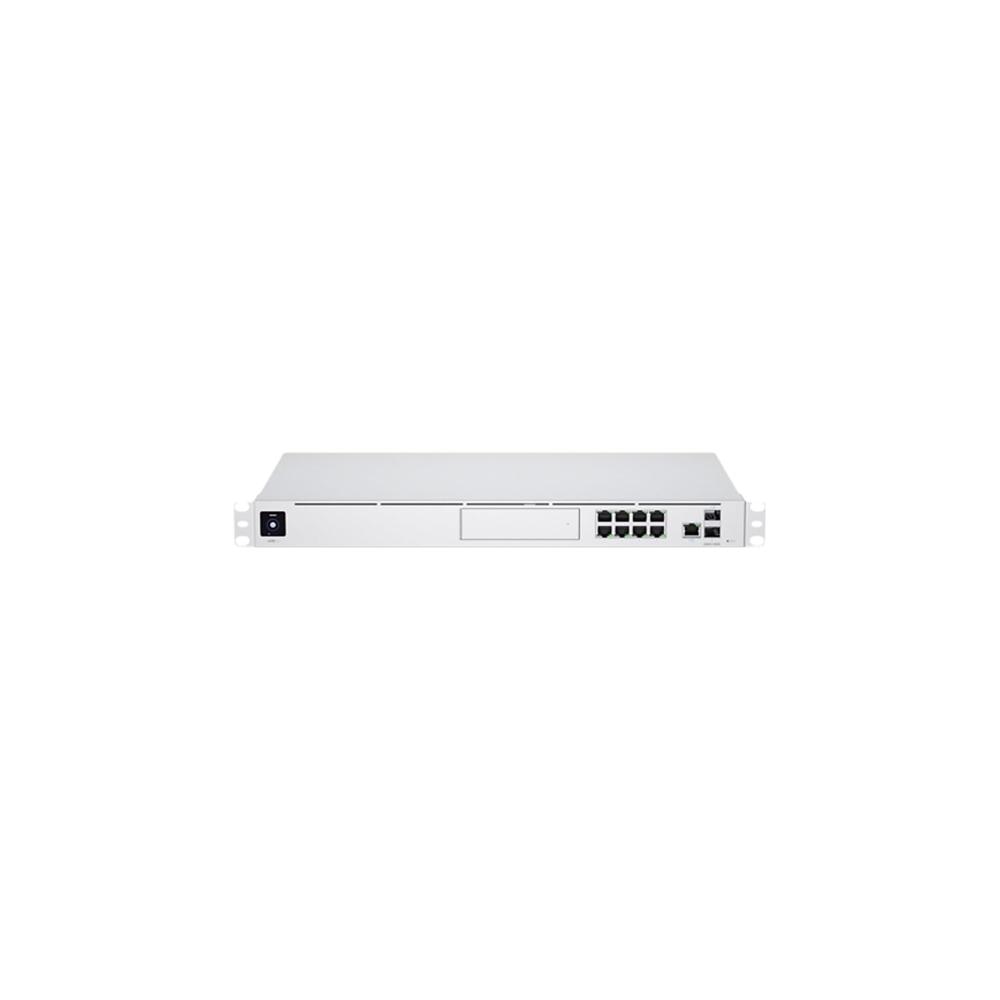
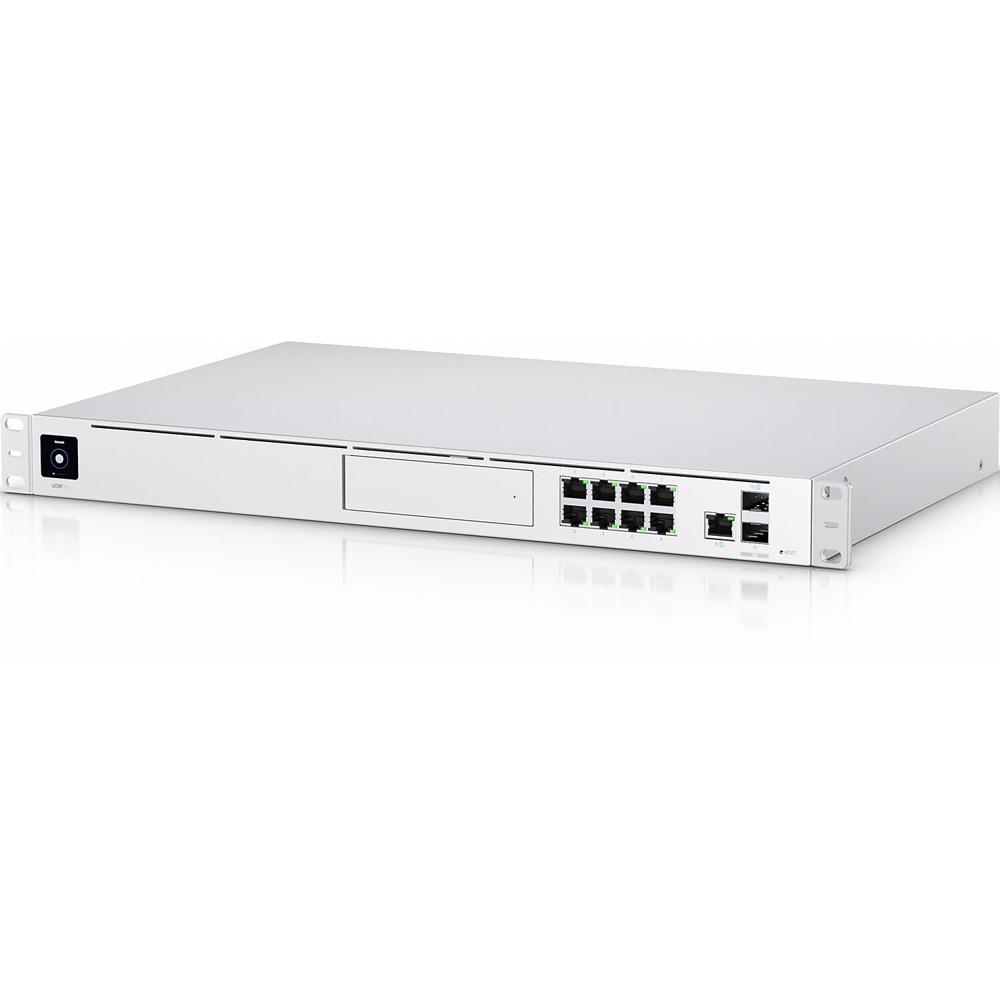
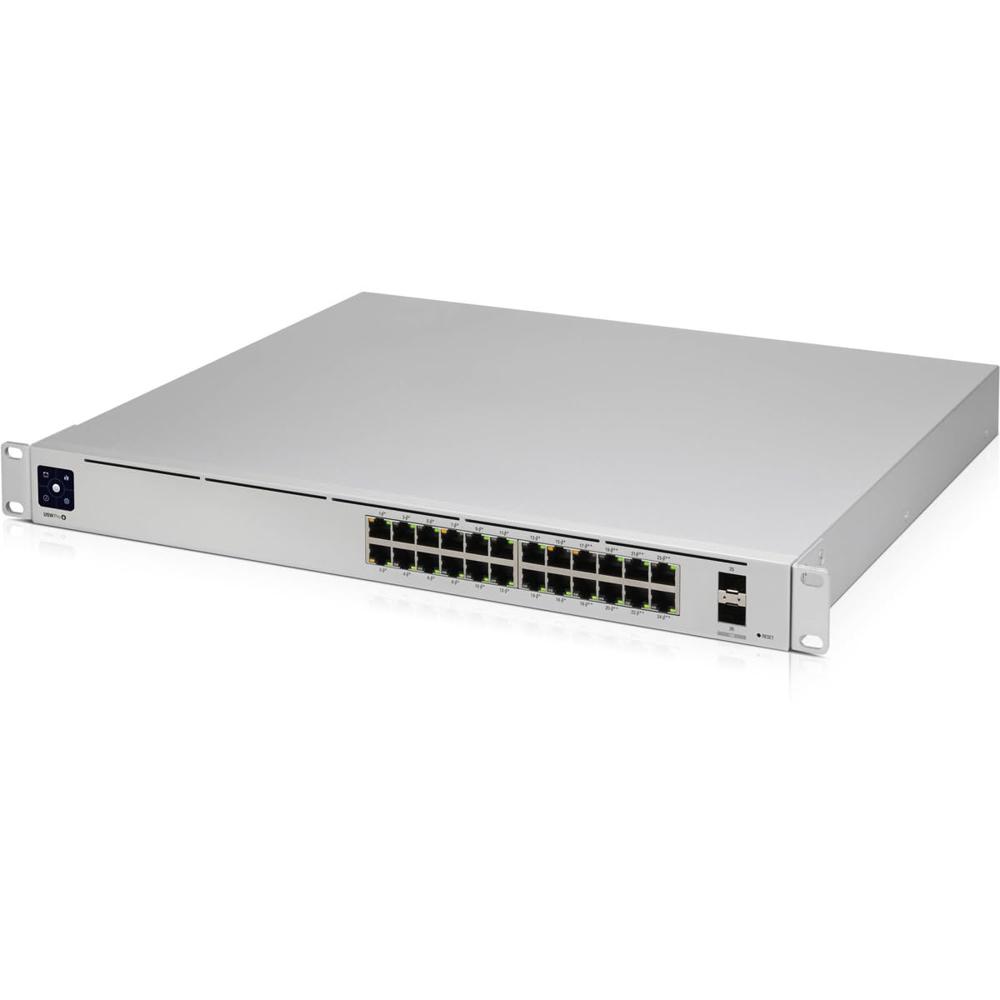
The Ubiquiti UniFi Dream Machine Pro (UDM-Pro) is an all-in-one enterprise-grade network appliance designed to consolidate a security gateway, 8-port switch, and NVR (Network Video Recorder) into a single rack-mountable unit.
Key Features & Performance
- Performance: Features a 1.7 GHz quad-core processor with 4GB DDR4 RAM and 16GB eMMC storage.
- Throughput: Delivers 3.5 Gbps IDS/IPS routing throughput for advanced threat management.
- Network Security: Acts as an advanced security gateway with a persistent Intrusion Prevention System (IPS) and Intrusion Detection System (IDS).
- Integrated Switch: Includes an 8-port Gigabit RJ45 switch and one 10G SFP+ LAN port.
- Dual WAN: Provides failover support with one 10G SFP+ and one Gigabit RJ45 WAN port.
- NVR Storage: Equipped with a 3.5" HDD bay (also supports 2.5") for surveillance storage using the UniFi Protect application.
- Unified Management: Runs the full UniFi OS suite, allowing you to manage Network, Protect, Access, and Talk from one interface
High-Performance Networking EngineThe UDM-Pro utilizes a Quad-Core 1.7 GHz ARM Cortex-A57 processor combined with 4 GB of DDR4 RAM, ensuring reliable performance for bandwidth-intensive environments. Its advanced architecture supports up to 3.5 Gbps throughput, making it ideal for demanding enterprise routing and security applications.
Comprehensive Connectivity OptionsEquipped with eight RJ45 Gigabit LAN ports and dual WAN connections, including one SFP+, the UDM-Pro offers extensive versatility for linking multiple devices and supporting high-speed internet links. A dedicated RJ45 serial console simplifies troubleshooting and system management tasks.
Integrated Network Video RecorderDesigned to support UniFi Protect, the UDM-Pro includes a 3.5"/2.5" HDD bay for scalable video surveillance storage. With centralized NVR capabilities, users can seamlessly manage security cameras and video footage directly through the UniFi Network Controller interface.
FAQ's of Ubiquiti UniFi Dream Machine Pro (UDM-Pro):
Q: How do I manage and configure the Ubiquiti UniFi Dream Machine Pro?
A: The UDM-Pro is managed via the integrated UniFi Network Controller, accessible through its built-in 1.3" touchscreen or remotely via the UniFi Network app and web portal. This intuitive interface allows you to configure security, routing, and UniFi Protect video features.
Q: What makes the UDM-Pro suitable for enterprise environments?
A: Its quad-core processor, 4 GB DDR4 RAM, 3.5 Gbps throughput capability, and integrated surge protection make it robust enough for enterprise routing, security, and high-load environments. The rack-mountable 1U chassis is designed for data center and professional IT deployments.
Q: When should I consider using the UniFi Protect features on the UDM-Pro?
A: You should use the UniFi Protect features when you require integrated network video recording and centralized management for security cameras. The HDD bay accommodates 3.5" or 2.5" drives for scalable storage, ideal for businesses scaling their security infrastructure.
Q: Where can I install the UDM-Pro for optimal performance and accessibility?
A: The device is designed for standard 19-inch racks, fitting 1U of rack space. Its dimensions (442.4 x 285.6 x 43.7 mm) and rack-mountable form allow it to be placed in network closets, server rooms, or data centers, ensuring secure and accessible network control.
Q: What is the process for expanding storage on the UDM-Pro for video surveillance?
A: To expand storage, simply install a compatible 3.5" or 2.5" HDD into the dedicated bay. The process requires removing the device's storage bay cover, inserting the drive, and configuring storage through the UniFi Network Controller interface for UniFi Protect.
Q: How does the integrated surge protection benefit the UDM-Pro and connected devices?
A: Integrated surge protection safeguards the UDM-Pro and its connected network infrastructure against electrical surges or spikes, reducing the risk of hardware damage and network downtime, which is crucial for business continuity.
 Send Inquiry



 Send Inquiry

 Send Inquiry


 English
 Spanish
 French
 German
 Italian
 Chinese (Simplified)
 Japanese
 Korean
 Arabic
 Portuguese